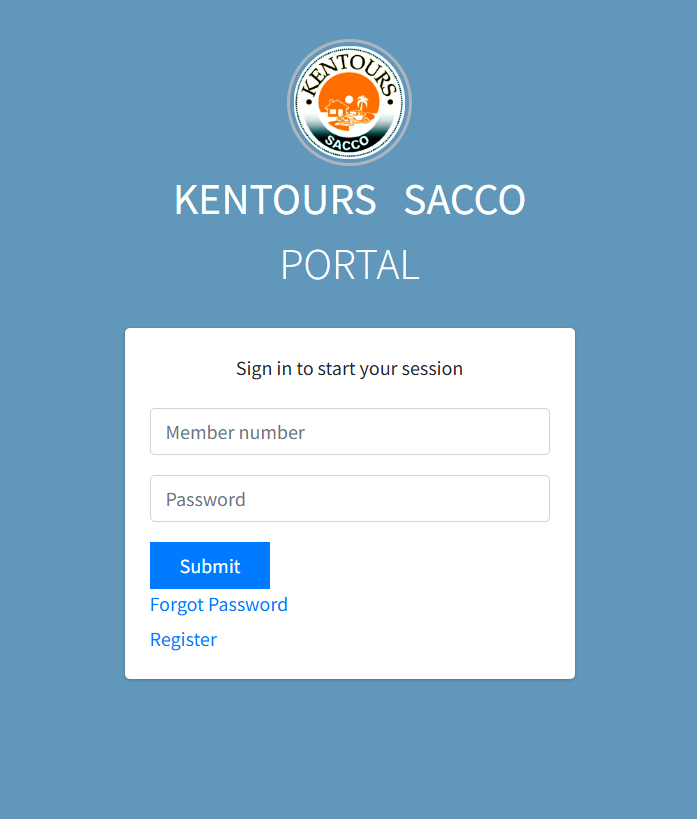
Member Portal

Members Portal Steps:

  1. Open the Portal

 Click the link below to access the Members Portal:   https://portal.kentours.co.ke/ 

  1. Activate Your Account
  2. On the login page, click “Activate Here.”
  3. Enter your National ID number.
  4. You will receive a first-time PIN via SMS.
  5. Once you enter your ID number and the password we’ve sent you, you will receive an OTP.
  6. You will be redirected to the Set New Password page.

Enter the current password (the PIN you received by SMS).

o Create your new password following the password guidelines shown below the password part

  1. Log In

  After successfully updating your password, click on the dashboard to continue with the services